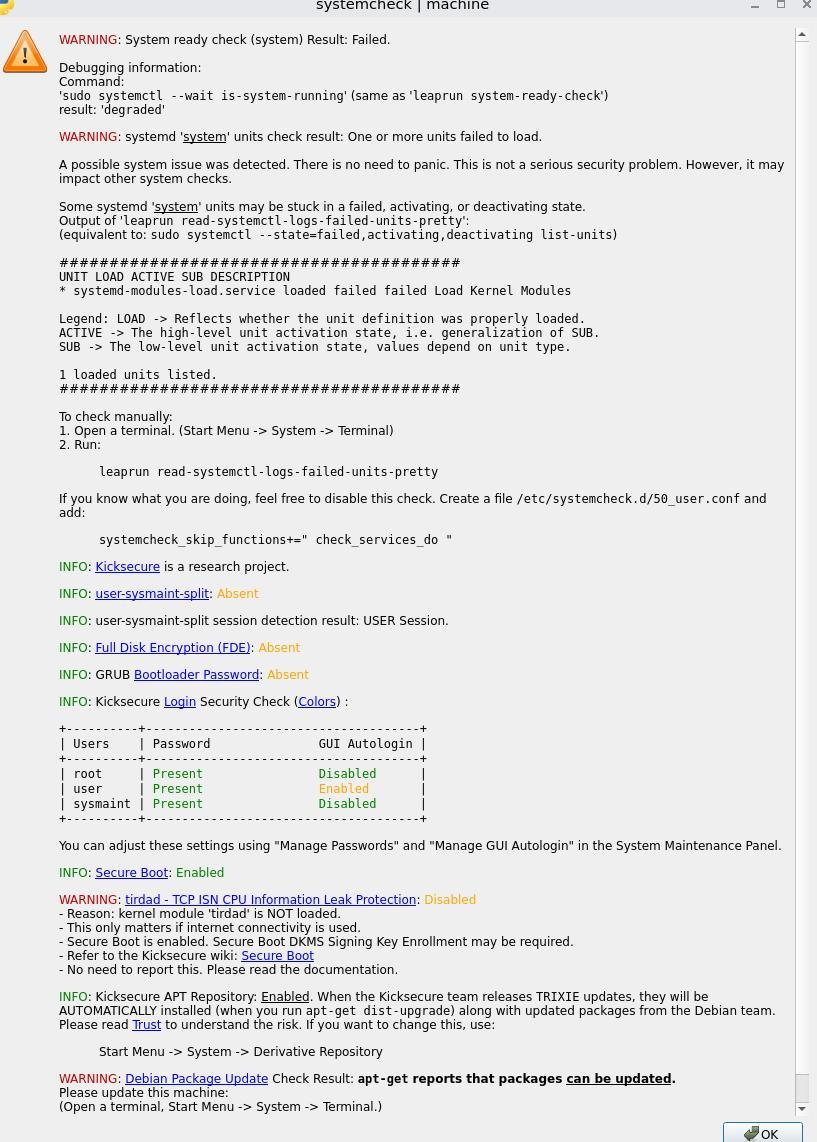
Hello. There was an error after the update, how to fix it? The same problem appeared in whonix.

1 Like
I’ve the same error and I’ve secure boot disabled
1 Like
secure boot must be enabled on my system
1 Like
This does not solve the problem, everything worked fine before the update
1 Like
After switching to LXQt, there are constant problems after the upgrade, this system should be marked as beta version. It is not possible to use it normally.
1 Like
That’s true, I’m actively trying to use KDE with kicksecure, is the best DE nowadays.
Could you try the following:
- Go to
/usr/lib/modules-load.d/and/etc/modules-load.d/ - There should be all the modules loaded by the system
- Make a
sudo modprobe <module> <module>…
It should tell you which module is failing, and it should be into /lib/modules/$(uname -r)/ to be able to be caught by the kernel on boot.
1 Like
3 Likes