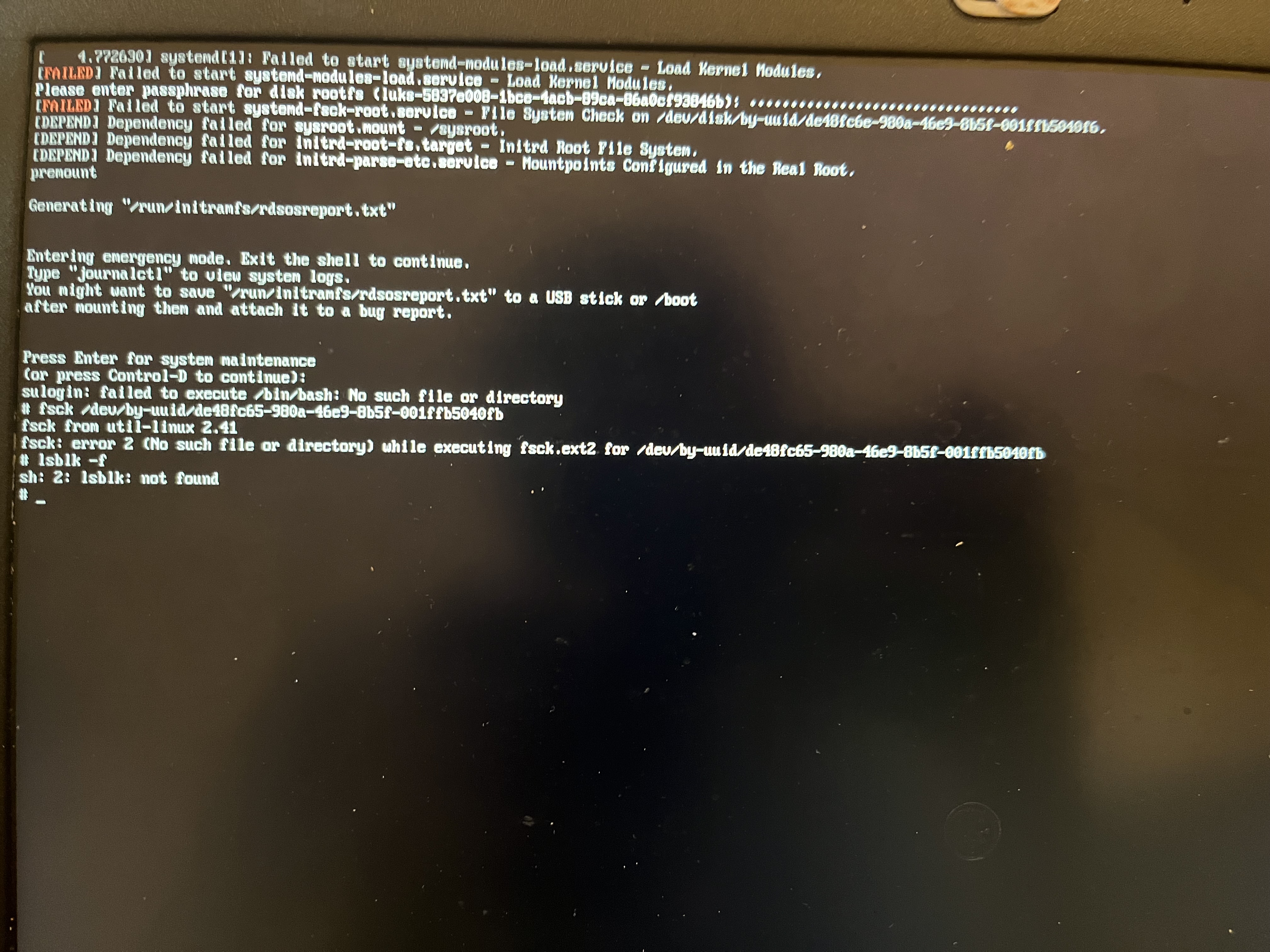
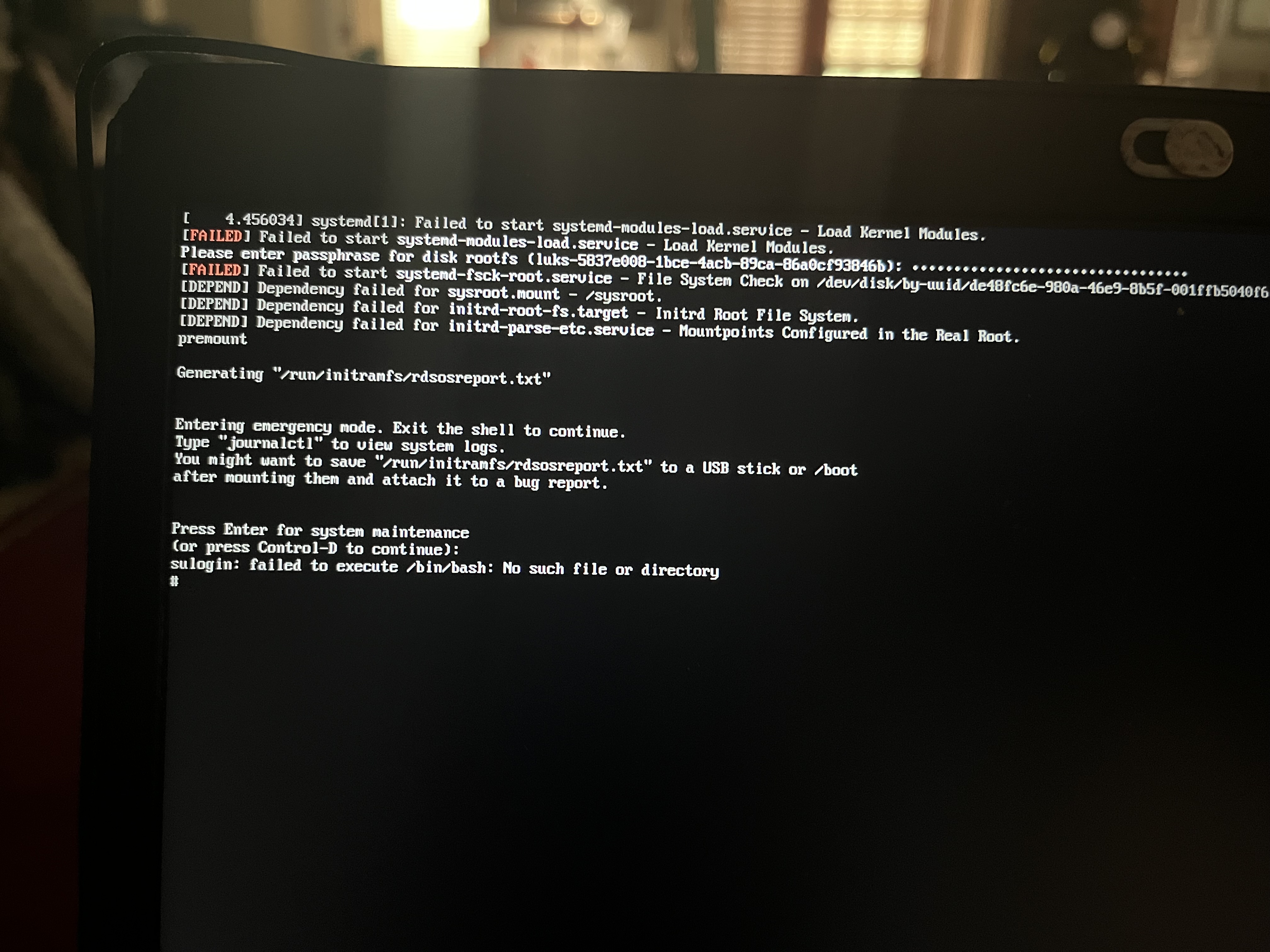
Sounds like you have minor (or possibly not-so-minor) filesystem corruption. On the GRUB screen, press e to edit the boot options, move your cursor to the end of the line that starts with linux, then add rd.break=premount SYSTEMD_SULOGIN_FORCE=1 to the end of the line (including the leading space, you need the two added options separated from the others with a space). When dropped to an emergency shell, determine which device provides the root filesystem on your system, and run fsck /dev/whatever, replacing whatever as appropriate.
I’m not sure what “reassure” means? If you mean “you can be certain this is the error I’m seeing”, I don’t really doubt that, but the problem is that the error message out of context tells me nothing. I need to be able to see what command caused it to know where to even look for it, and I need to see what else that command said, or if it said anything else at all, to understand it or at least know what to look up to understand it. It’s usually difficult for non-developers to share all that info, so asking for a screenshot or log dump makes things easier for both of us.
Upload a screenshot to whatever upload site you choose and share the link here. You should be able to just post the link since the forum software sees you as being at “trust level 1” already.
Afterwards, I did exactly as you said and it told me that sda1, 2, and 3 were not found, so I had to reboot the entire thing and do it all over again, I decided to run blkid to get to the list of sdas
It showed that sda2 was the boot, so now I’m not entirely sure on what I should do. Should I just redownload Kicksecure and see what happens from then?
The fsck command you tried to run is almost correct. You missed the /disk part of /dev/disk/by-uuid/..., then typed a 5 instead of an e for the last character of the first segment of the UUID itself, then typed a b instead of a 6 for the last character of the last segment of the UUID. If you type it correctly, that command should work.
You need a space between fsck and /dev/sda3. fsck /dev/sda3 will run a filesystem check on the disk /dev/sda3, whereas fsck/dev/sda3 will attempt to run a command named sda3 in the directory fsck/dev.
You probably don’t have to, but it might be faster than trying to repair this installation.
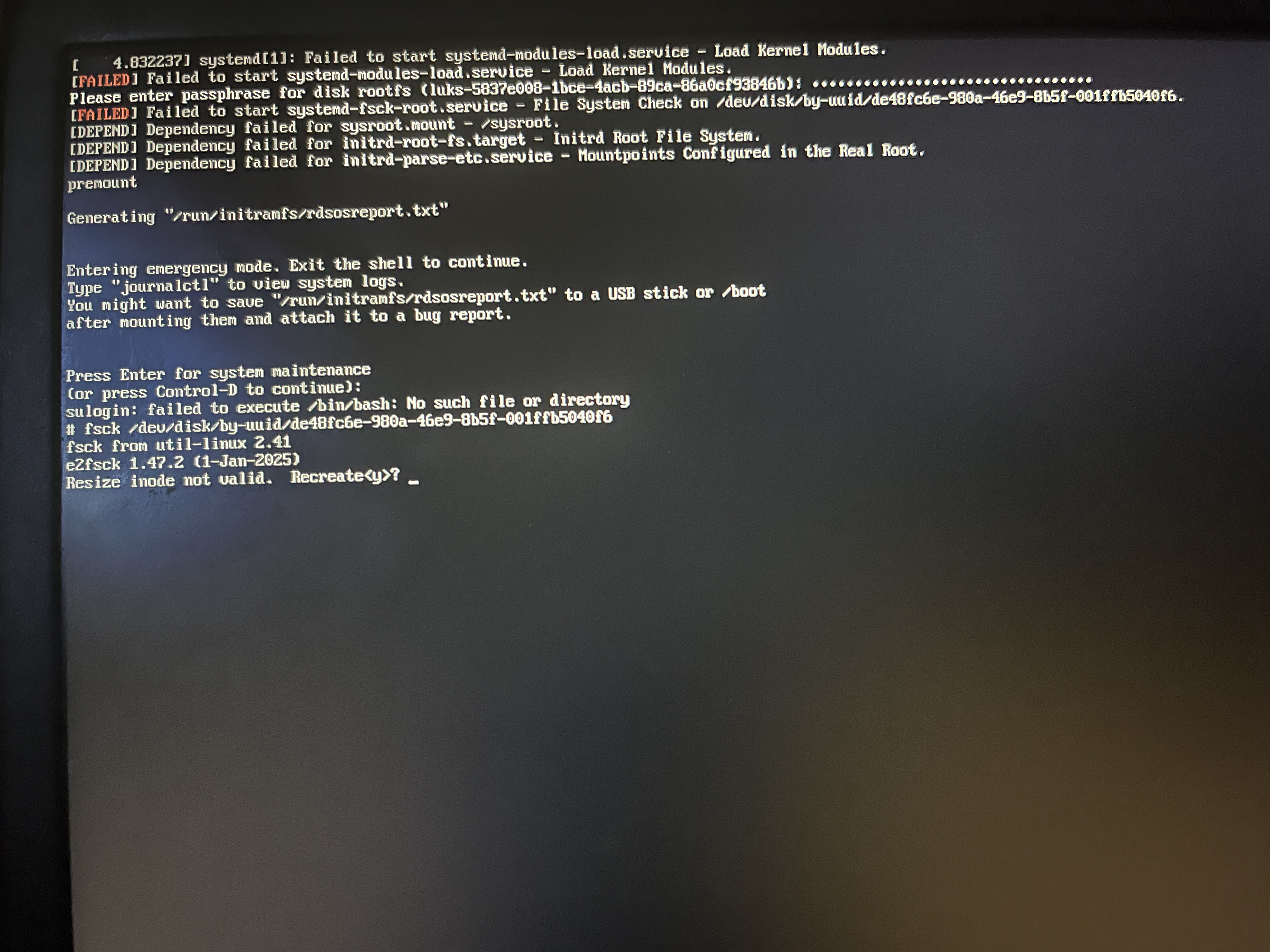
The typical way to do it is based on partition size, since most of the time the biggest partition on the disk you’re trying to boot is the root partition. However, a device file pointing to the damaged partition (probably the root partition) is displayed in the error message when you get dropped into an emergency shell (it’s the /dev/disk/by-uuid/... thing). So if you run the same command you tried on the first attempt, but without typos, that should work.
Just fsck should work. Internally, that will run e2fsck if the filesystem you’re checking is an ext4 filesystem. Otherwise it will run the fsck implementation for the filesystem in question (or tell you what utility you should use for checking instead).
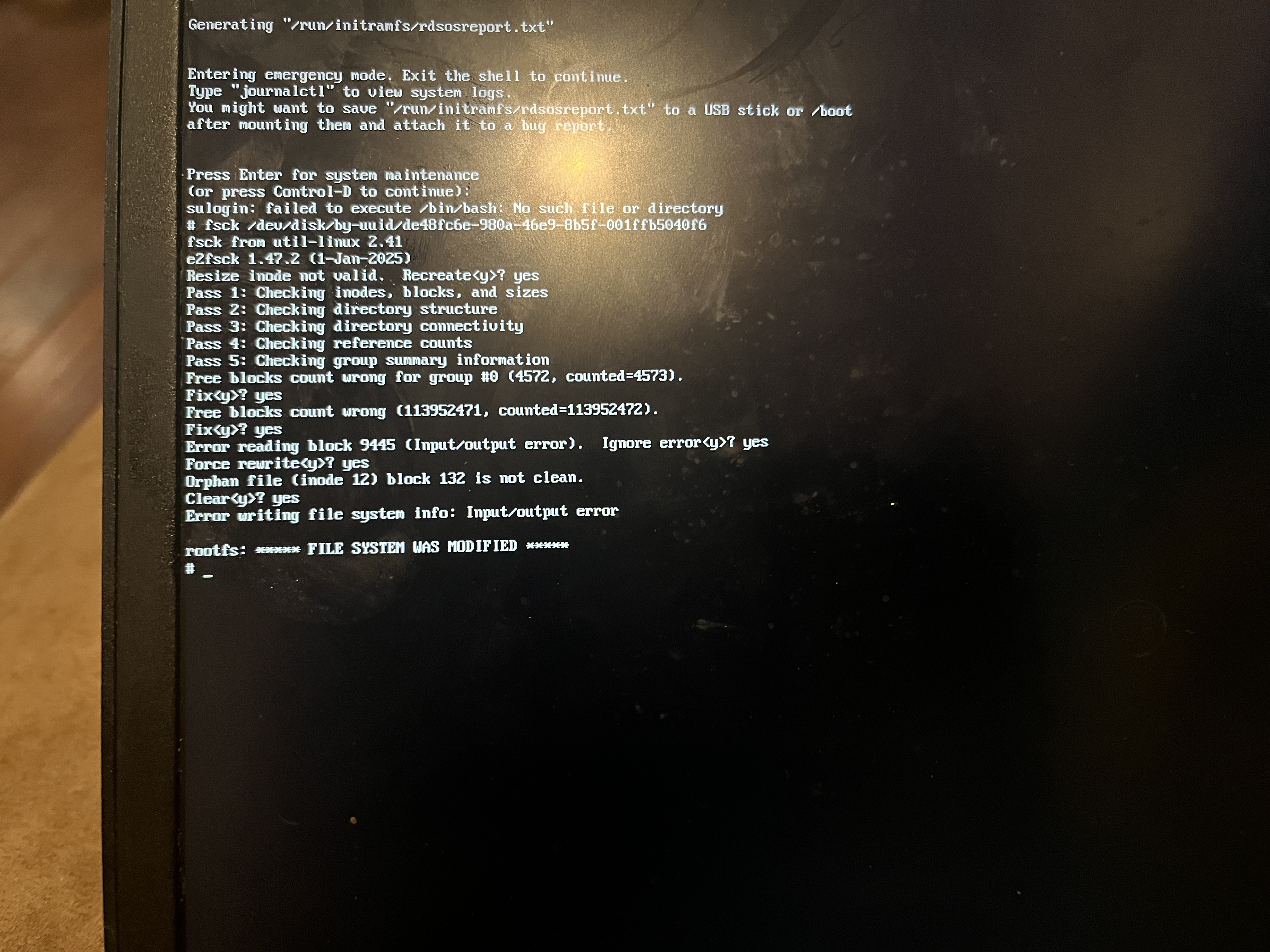
I’d just answer “y” to whatever it asks. The installation has no important data on it, so the worst that could happen is the installation breaks further and has to be recreated. Best case scenario, it works when you’re done.
You’re dealing with a corrupted filesystem, there’s no telling what will and won’t take long, what will or won’t fail, etc. Just let it run to completion, answering “y” as necessary. If it works when you’re done, great. If it doesn’t, reinstall. If it gets stuck for long enough that you decide you don’t want to wait any longer, force-shutdown and reinstall. There isn’t much that we can say to help more than that.