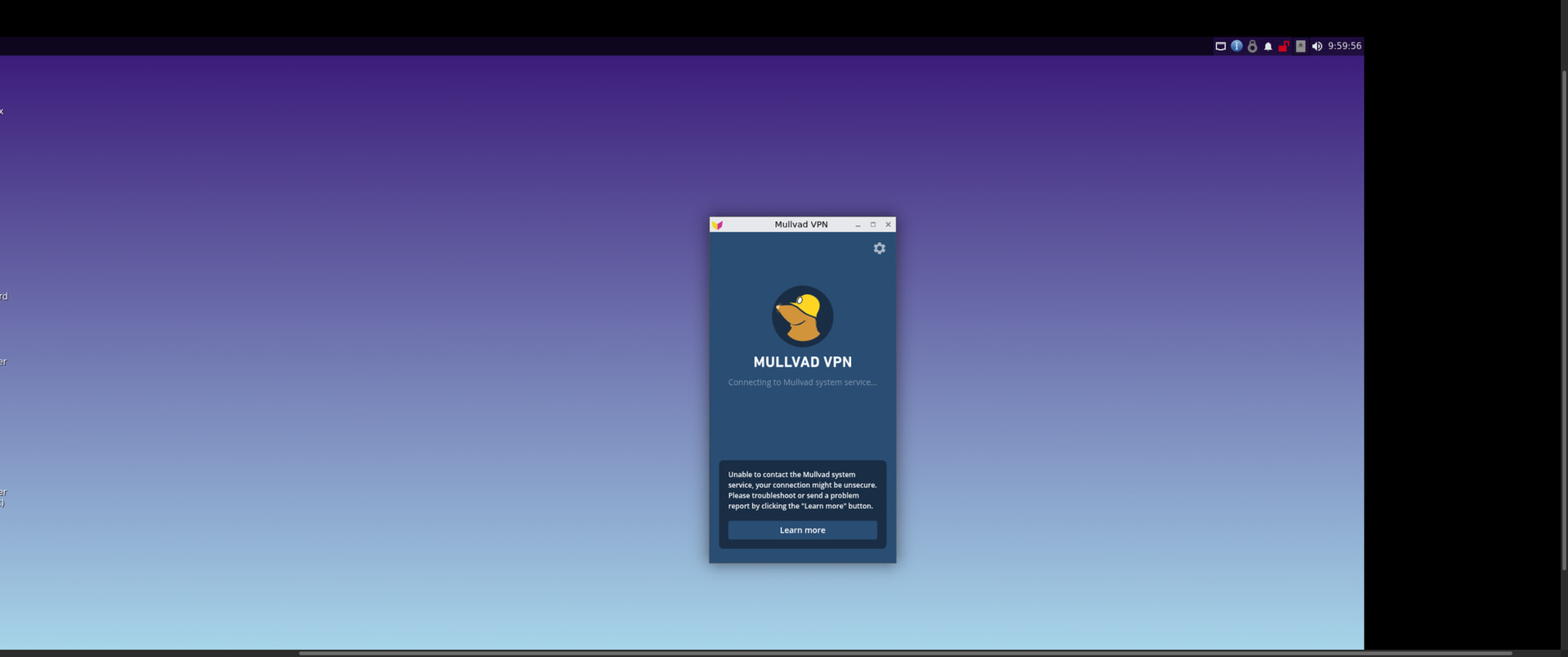
Hey! I have been trying to install Mullvad vpn on my Kicksecure VM for a while but I dont know how to get It to work! I managed to install the gui and mullvad pops upp but It only says “Connecting to mullvad system service “unable to contact the mullvad system service”
If that is not it then I would look at look at what the NAT setting is in “Virtual Networks” tab next to Storage where you install the VM’s. If the VM network interface is configured as macvtap or bridge, the traffic won’t go through the host OS VPN. The default NAT setting should be fine in KVM, unless you changed it.
Additionally I want to preface that I believe enabling local network sharing to be safe. Unless if you feel its not, it would require a setup of more complexity that I don’t know much about.