I installed the kicksecure 18 iso on an old laptop and wanted to lock the screen when the lid closes.
At first I received this warning message:
Refusing to lock screen, because current account 'user' has no password set.
If the screen was locked, it would automatically unlock the moment any user input was received. Please set a password to enable screen locking.
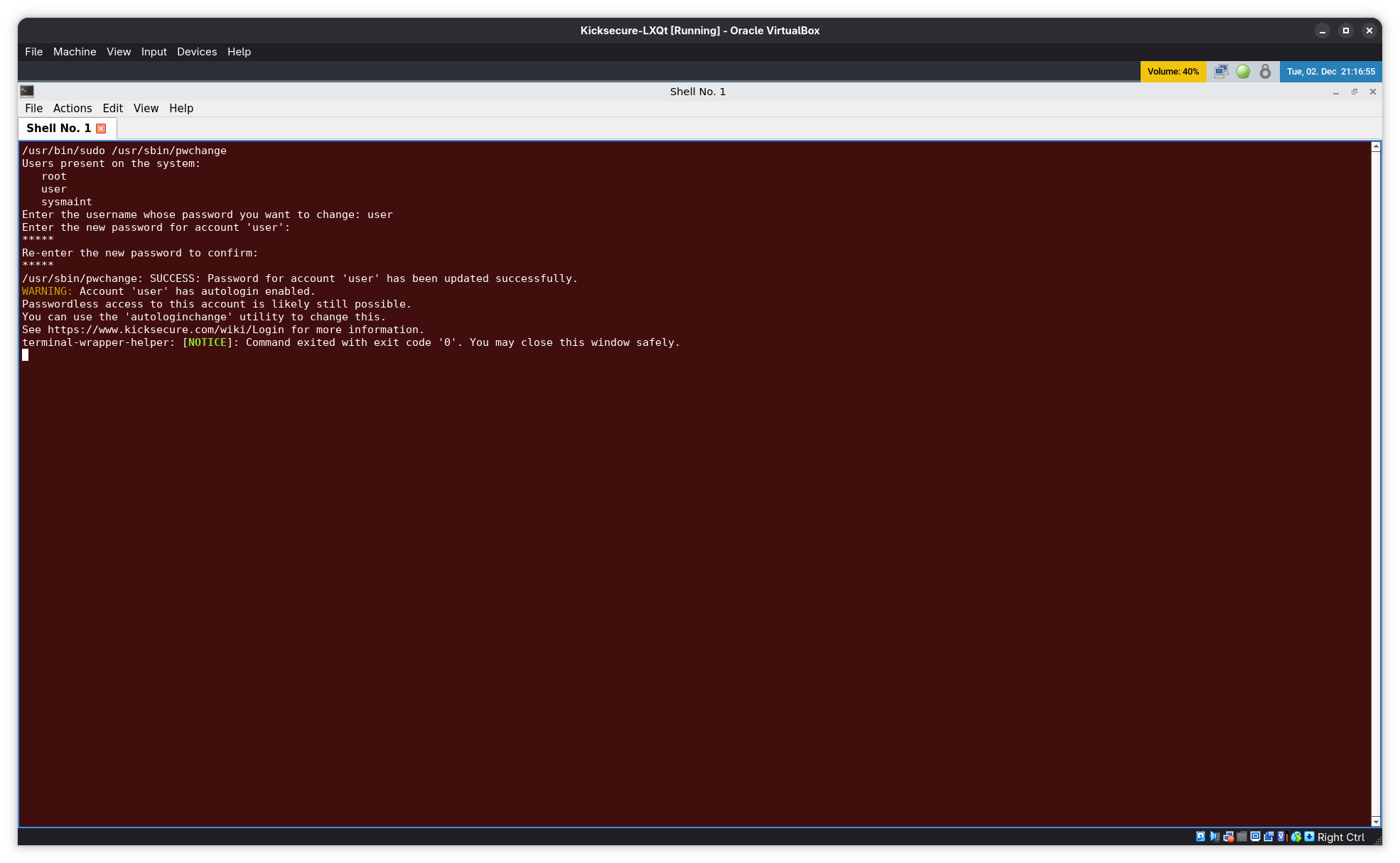
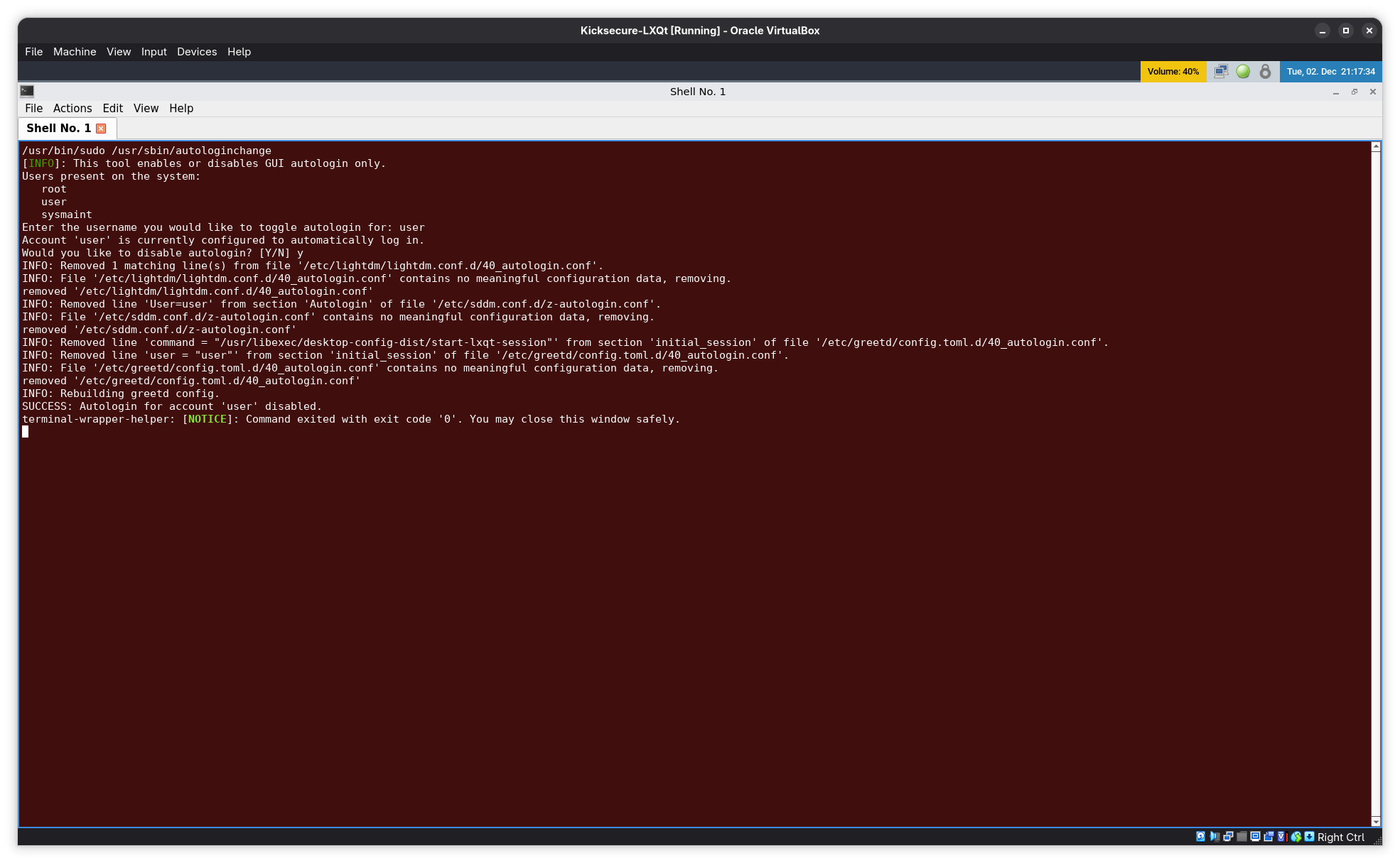
So I creating a password & disabled auto-login for “user” in sysmaint.
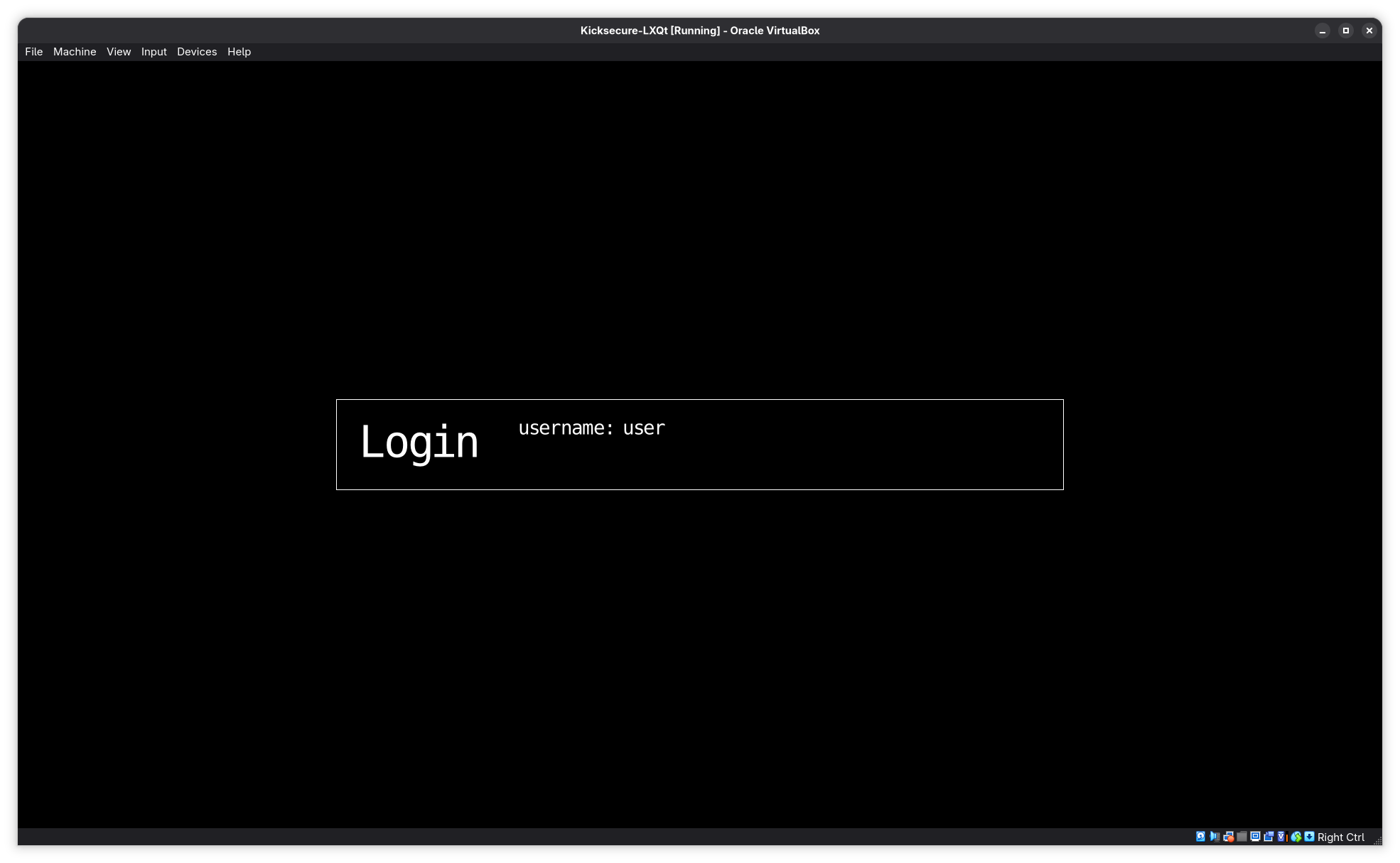
Now I can now lock the screen as “user”, but no matter what I type into sway lock I’m told the password in wrong.
I tried changing the “user” password to a single numerical digit in case it’s some sort of keyboard layout issue, but that didn’t work either.
Then I tried removing the “user“ password, re-enabled auto-login and manually ran the sway lock command from /usr/bin/lock-screen in qterminal:
swaylock --color 000000 --image /usr/share/kicksecure/lock-screen-background.png --scaling fit
That brings up sway lock, but no matter what I type it still won’t unlock (contrary to the prior warning message)